Fix P2454: DPF Pressure Sensor 'A' Circuit Range/Performance – Trust iCarsoft CR Eagle
When your vehicle’s check engine light illuminates and scans to OBD2 code P2454, you’re staring down an issue with the exhaust aftertreatment system—specifically the diesel particulate filter (DPF) pressure sensor circuit. Ignoring this code can lead to reduced engine performance, increased fuel consumption, or even DPF failure, which costs hundreds to repair. But with the right knowledge and a reliable diagnostic tool, you can pinpoint the root cause, fix the problem yourself, and avoid costly mechanic visits.
What Is OBD2 Code P2454?
First, let’s decode the basics. OBD2 (On-Board Diagnostics II) codes are standardized across all modern vehicles (1996 and newer in the U.S., 2001 and newer in the EU) to communicate issues with key systems. P2454 falls under the “powertrain” category, focusing on components related to emissions and exhaust treatment.
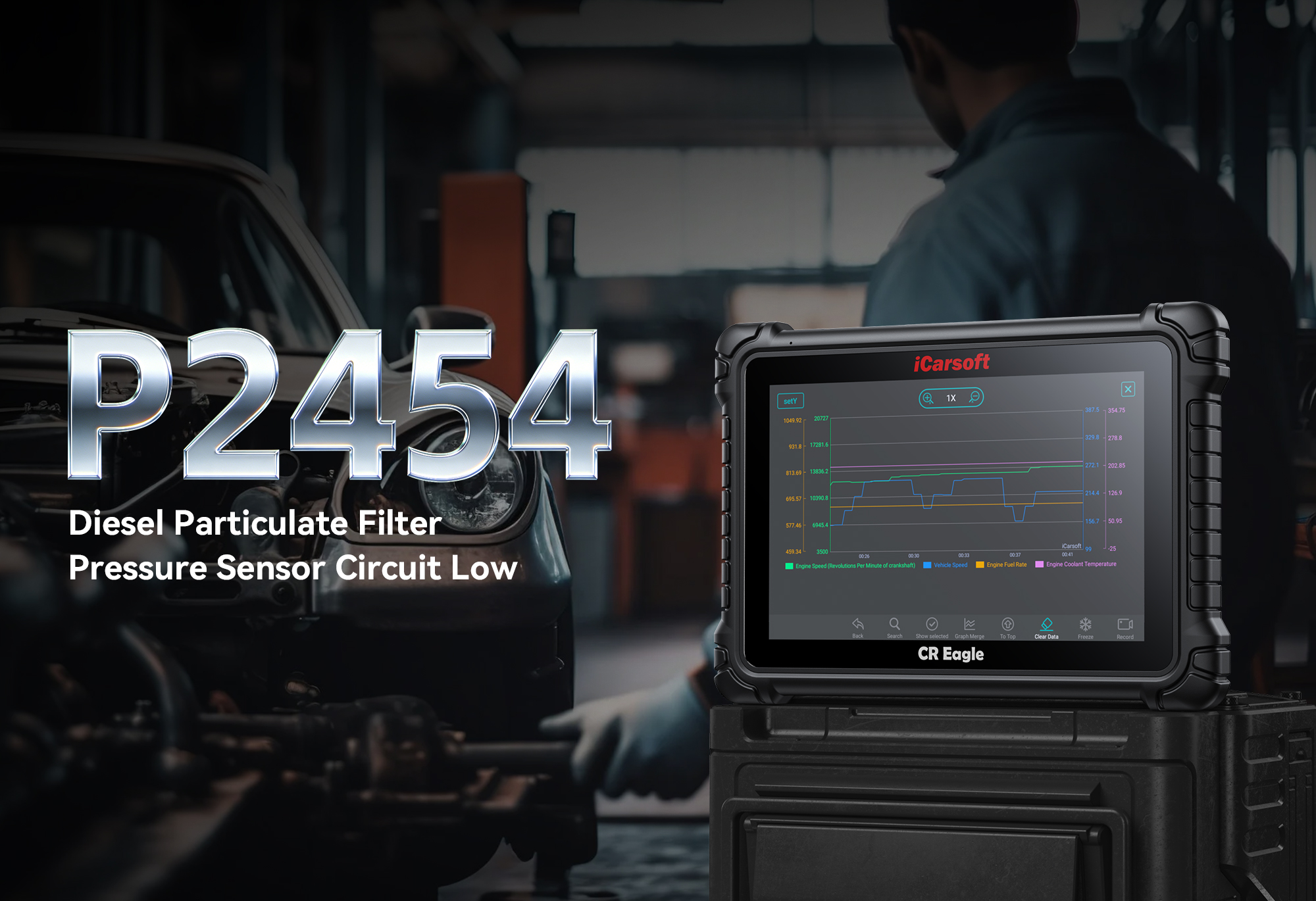
The official definition of P2454 is: “Diesel Particulate Filter (DPF) Pressure Sensor ‘A’ Circuit Range/Performance”. Let’s break this down for clarity:
- Diesel Particulate Filter (DPF): A critical emissions component in diesel vehicles that traps and oxidizes soot and particulate matter—required to meet environmental standards and prevent harmful pollutants from entering the atmosphere.
- Pressure Sensor ‘A’: The primary sensor monitoring pressure difference across the DPF. This data tells the ECU how much soot has accumulated, triggering regeneration (soot-burning process) when needed.
- Circuit Range/Performance: The ECU receives signals from the sensor that fall outside normal operating ranges, meaning the sensor, wiring, or related components aren’t functioning as intended.
In short, P2454 signals a problem with the DPF pressure sensor circuit, disrupting soot buildup management in the DPF. This code is almost exclusive to diesel vehicles but may appear in some hybrid or gasoline-direct-injection (GDI) vehicles with similar emissions systems.
Common Symptoms of P2454
P2454 rarely goes unnoticed—most drivers will experience one or more of the following symptoms, ranging from mild to severe:
- Illuminated Check Engine Light (MIL): Solid for most cases; flashing indicates a severe issue requiring immediate attention.
- Reduced Engine Power: ECU triggers “limp mode” to protect the DPF/engine, limiting speed and acceleration.
- Increased Fuel Consumption: Poor DPF efficiency and incomplete regeneration lead to wasted fuel and lower MPG.
- DPF Regeneration Failures: Vehicle fails to initiate/complete regeneration, causing excessive soot buildup.
- Rough Idle or Misfires: Disrupted exhaust pressure readings lead to incorrect fuel injection adjustments.
- Strange Exhaust Odors: Unburned soot/fuel produces a strong, unpleasant exhaust smell.
- Failed Emissions Tests: Faulty sensor circuit causes failure of particulate emissions inspections.
If you notice any of these symptoms, scan your vehicle for codes immediately. Addressing P2454 early prevents DPF clogging, which may require expensive replacement or professional cleaning.
What Causes OBD2 Code P2454?
To fix P2454 effectively, identify the root cause first. Below are the most common triggers, ordered by frequency:
Faulty DPF Pressure Sensor
Exposure to high temps/exhaust/soot causes wear/failure—sensor sends erratic/no signals outside normal ranges, triggering P2454. Signs include intermittent symptoms or recurring codes post-clearing.
Clogged/Damaged Pressure Hoses/Tubes
Soot/carbon deposits clog small hoses; cracks/leaks/disconnections lead to false pressure signals and inaccurate sensor readings.
Damaged/Corroded Wiring/Connectors
Wiring near engine/exhaust is vulnerable to heat/vibration/moisture—frayed wires, short circuits, or loose connectors disrupt electrical signals.
DPF Clogging or Malfunction
Excessive soot buildup (short trips/low load/failed regeneration) blocks pressure hoses or damages the sensor; severe clogging causes abnormal pressure readings.
Faulty Engine Control Module (ECU)
Rare cause—software glitches, voltage spikes, or internal damage prevent the ECU from processing sensor signals correctly.
Exhaust Leaks
Leaks near DPF/sensor cause inaccurate readings (sensor detects ambient air instead of exhaust pressure), triggered by rusted pipes/loose gaskets/road debris damage.
Why the iCarsoft CR Eagle Is Ideal for Diagnosing P2454
Diagnosing P2454 requires advanced features basic scanners lack. The iCarsoft CR Eagle is designed for DIYers and professionals alike, with these key advantages:
Detailed Code Reading & Interpretation
Displays P2454 with comprehensive descriptions + related codes (P2452/P2453/P2455) to eliminate diagnostic guesswork.
Live Data Monitoring
Track DPF pressure sensor voltage (0.5–4.5V typical), pressure difference, exhaust temp, and regeneration status to catch intermittent glitches.
Bi-Directional Control (Active Testing)
Activate sensors/trigger manual regeneration remotely—verify sensor functionality and rule out wiring/ECU issues without disassembly.
Freeze Frame Data
Captures vehicle conditions (speed, RPM, temp) when P2454 triggered to recreate the issue and pinpoint root causes (e.g., short trips = DPF clogging).
Multi-System & Multi-Brand Compatibility
Covers engine/ABS/airbag/transmission systems + 100+ diesel brands (Ford, BMW, Mercedes-Benz, Volkswagen) for cars/trucks/SUVs.
Safe Code Clearing & ECU Reset
Clears P2454 and re-calibrates the ECU post-repair to prevent false codes and restore optimal DPF function.
Lifetime Free Wi-Fi Updates
Access latest diesel emissions system data and DTC definitions—no recurring fees, compatible with new vehicle models/emissions standards.
User-Friendly Design
5-inch color touchscreen with intuitive menus/step-by-step prompts—no technical expertise required to operate.
Step-by-Step Guide to Fixing P2454 with the iCarsoft CR Eagle
Step 1: Connect the CR Eagle to Your Vehicle
Plug the CR Eagle’s OBDII connector into the port (under driver’s dashboard), turn on ignition (ACC/ON mode), and power on the tool—it auto-connects to the ECU.
Step 2: Read DTCs and Freeze Frame Data
Select “Diagnostics” > “Engine” > “Read DTCs” to retrieve P2454 + related codes. View “Freeze Frame” to see conditions when the code triggered (speed, RPM, temp).
Step 3: Clear the Code and Test-Drive
Select “Clear DTCs” to erase P2454, then test-drive (focus on trigger conditions: short trips, highway driving). Re-scan—if P2454 returns, proceed to diagnosis.
Step 4: Monitor Live Data
Select “Live Data” > “Engine” > “DPF Pressure Sensor” to monitor voltage (vehicle-specific range) and pressure difference. Look for stable values that adjust with engine load (no sudden drops/spikes).
Step 5: Perform Bi-Directional Testing
Select “Bi-Directional Control” > “DPF Pressure Sensor Test” to activate the sensor. Non-responsive sensors need replacement; abnormal pressure readings = clogged/leaky hoses. Trigger manual regeneration (if supported) to test completion.
Step 6: Inspect Pressure Hoses, Wiring, and Connectors
Clear soot/debris from pressure hoses (compressed air/small brush) or replace damaged ones. Inspect/repair wiring; clean connectors with contact cleaner and reconnect firmly.
Step 7: Replace the DPF Pressure Sensor (if needed)
Swap faulty sensors with OEM/high-quality aftermarket parts (follow vehicle repair manual for removal/install steps: disconnect wiring, remove mounting bolt).
Step 8: Clear Codes and Verify the Fix
Clear DTCs post-repair, take a 30–40 minute test-drive (include highway driving), and re-scan. If no codes appear, the fix is successful!
FAQs: Your P2454 Questions Answered
Can I drive with code P2454?
Short trips (e.g., to the auto parts store) may be safe, but prolonged driving is not recommended. P2454 can lead to DPF clogging, reduced power, and engine damage. If the check engine light is flashing, stop driving immediately—this indicates a severe DPF or engine issue.
How much does it cost to fix P2454?
Costs vary by cause:
- DPF pressure sensor: $60–$200 (part only; labor adds $50–$150).
- Pressure hoses/tubes: $30–$100 (parts + labor).
- Wiring/connector repairs: $50–$150.
- DPF cleaning/replacement: $500–$2,000 (if clogging is severe).
Using the CR Eagle to diagnose yourself saves $80–$150 in mechanic diagnostic fees.
Do I need mechanical experience to use the CR Eagle?
No! The CR Eagle is designed for DIYers with little to no experience. Its intuitive interface and step-by-step prompts guide you through scanning, testing, and fixing P2454. You only need basic hand tools for inspecting hoses or replacing sensors.
Will the CR Eagle work with my diesel vehicle?
Yes! The CR Eagle supports over 100 vehicle brands, including all major diesel manufacturers (Ford, Chevrolet, Toyota, BMW, Mercedes-Benz, Volkswagen, etc.). It’s compatible with OBDII/EOBD/CAN/CAN-FD protocols, making it suitable for most 1996+ diesel vehicles. Check the official product page for model-specific compatibility.
Can the CR Eagle trigger DPF regeneration?
Yes! Many diesel vehicles support manual DPF regeneration via diagnostic tools, and the CR Eagle includes this function. This lets you clear soot buildup without driving long distances, ideal for vehicles used primarily for short trips.
How often should I update the CR Eagle’s software?
Update every 3–6 months to ensure compatibility with new diesel emissions systems and DTC definitions. Updates are free—connect the tool to a Wi-Fi network, select “Update” from the menu, and follow the on-screen prompts. No computer or technical skills required.
What if P2454 reappears after repairs?
If the code returns, you may have missed the root cause (e.g., a clogged DPF, unrepared wiring, or a faulty replacement sensor). Use the CR Eagle’s live data and bi-directional testing to re-diagnose, focusing on the DPF pressure circuit and exhaust system.
Is the CR Eagle worth the investment for diesel vehicle owners?
Absolutely! Diesel vehicles require specialized emissions system maintenance, and the CR Eagle handles DPF diagnostics, regeneration, and sensor testing—functions that basic scanners lack. For DIYers, it pays for itself after 1–2 uses (saving on diagnostic and repair fees). For mechanics, it’s a time-saving tool that improves accuracy and customer satisfaction.
Preventing P2454: Maintenance Tips
To avoid P2454 from recurring, follow these maintenance tips for your diesel vehicle:
- Take regular highway trips: Drive at speeds above 50 mph for 20+ minutes to reach DPF regeneration temperature.
- Use high-quality diesel fuel: Poor-quality fuel increases soot production and sensor damage.
- Change engine oil on time: Use DPF-compatible diesel oil to reduce ash buildup.
- Inspect pressure hoses regularly: Check for clogs/leaks every 6 months (especially for dusty/dirty driving conditions).
- Scan for codes periodically: Use the CR Eagle to scan every 3–6 months (even with no check engine light) to catch intermittent issues early.
Final Thoughts: Take Control of P2454 with the CR Eagle
OBD2 code P2454 may seem intimidating, but with the right knowledge and tool, it’s a problem you can solve on your own. The iCarsoft CR Eagle’s advanced features—from live data monitoring to bi-directional testing—take the guesswork out of DPF diagnostics, saving you time, money, and frustration. Whether you’re a DIY enthusiast or a professional mechanic, this tool is a must-have for maintaining diesel vehicles and keeping their emissions systems in top shape.
Don’t let P2454 lead to costly DPF repairs. Invest in the iCarsoft CR Eagle today and take control of your vehicle’s maintenance. Visit the official product page to learn more, check compatibility with your vehicle, or make a purchase. Have questions about P2454 or the CR Eagle? Drop a comment below—we’re here to help!
Disclaimer: This guide is for informational purposes only. Always consult your vehicle’s owner’s manual or a certified mechanic before attempting major repairs. iCarsoft is not responsible for any damage caused by improper use of diagnostic tools or repair procedures.