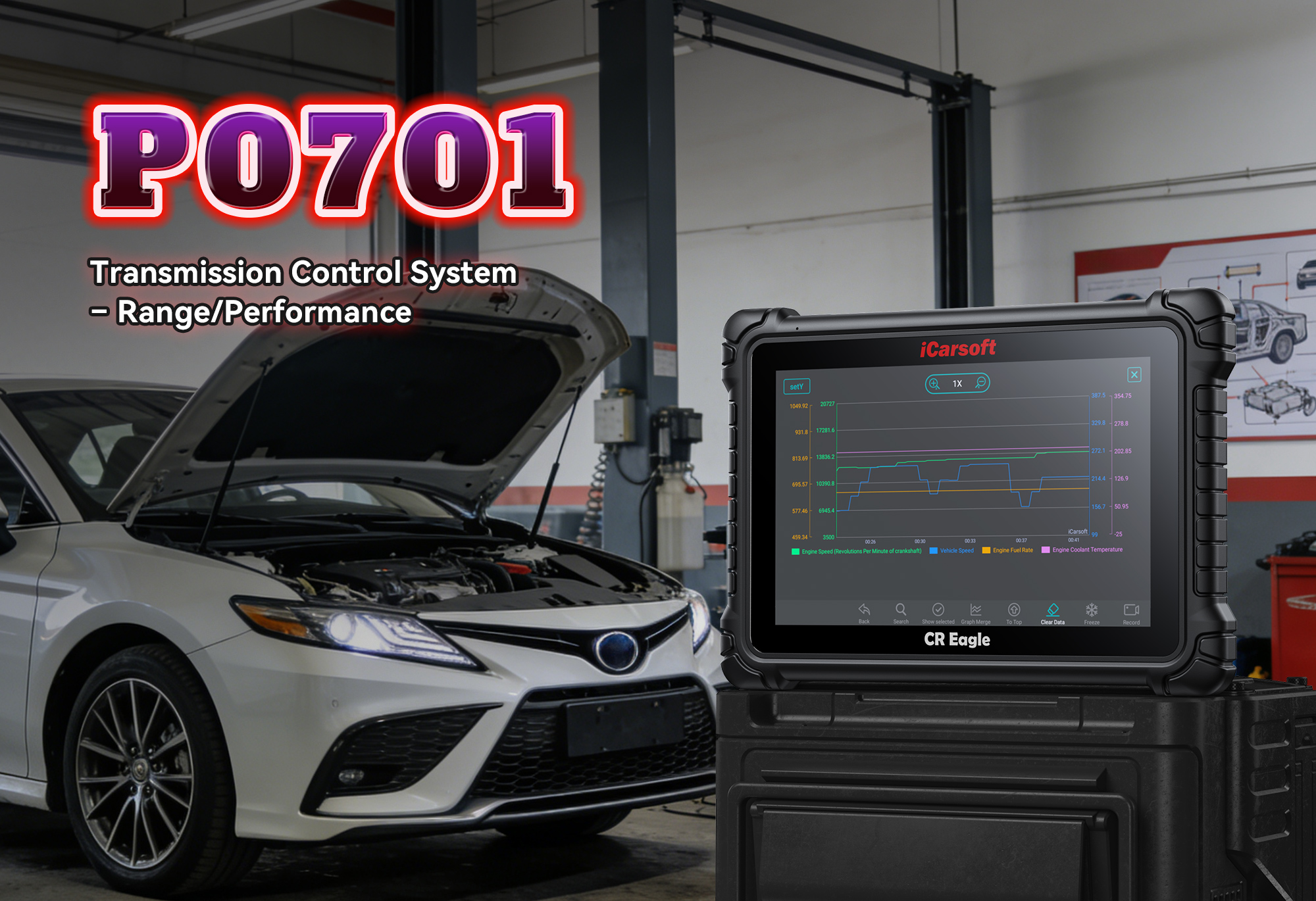
Fix P0701: Transmission Control System Malfunction – 2024 Guide with iCarsoft CR Eagle
If your check engine light pops on and scans to OBD2 code P0701, you’re facing a transmission control system issue that demands attention. Left unaddressed, P0701 can lead to rough shifting, limp mode, or even complete transmission failure—costing thousands in repairs. But here’s the good news: with the right diagnostic tool and step-by-step guidance, you can pinpoint the root cause, fix it yourself, and save big on mechanic fees.
In this ultimate guide, we’ll break down P0701 in plain language: what it means, common symptoms, top causes, and how the iCarsoft CR Eagle diagnostic tool makes resolving it easy for DIYers and pros alike. We’ll also share real customer reviews, answer 8 critical FAQs, and highlight why the CR Eagle is the #1 choice for tackling transmission-related codes.
What Is OBD2 Code P0701, Exactly?
OBD2 (On-Board Diagnostics II) codes are standardized across all modern vehicles (1996+ in the U.S., 2001+ in the EU) to communicate system faults. P0701 falls under the “powertrain” category, specifically targeting the transmission control system.
The official definition of P0701 is: “Transmission Control System Malfunction”. Let’s decode this for clarity:
-
Transmission Control System: This includes the Transmission Control Module (TCM), wiring, sensors (e.g., speed sensors, pressure sensors), and solenoids that regulate gear shifting, pressure, and torque converter operation.
-
Malfunction: The TCM or Engine Control Module (ECU) has detected an irregularity in the transmission system’s performance or signal flow. This could mean faulty sensors, damaged wiring, software glitches, or internal transmission issues.
P0701 is common in both automatic and semi-automatic transmissions, appearing in vehicles from brands like Ford, Toyota, Honda, Chevrolet, BMW, and Mercedes-Benz. It often pairs with other transmission codes (e.g., P0702, P0715, P0730) — so addressing it early prevents a cascade of problems.
Common Symptoms of P0701 You Can’t Ignore
P0701 rarely goes unnoticed—most drivers experience these red flags within days:
-
Check Engine Light (MIL): Solid or flashing (flashing = severe damage risk; stop driving immediately).
-
Rough or Delayed Shifting: Gears slip, shift too hard, or take seconds to engage.
-
Limp Mode Activation: The TCM limits speed to 40–50 mph to protect the transmission.
-
Transmission Stuck in One Gear: Often stuck in 2nd or 3rd gear (limp mode default).
-
Reduced Fuel Efficiency: Poor transmission performance forces the engine to work harder.
-
Engine Stalling: Especially when shifting from park to drive or reverse.
-
Unresponsive Gear Shifts: The shifter moves, but the transmission doesn’t engage.
“My Honda Accord started shifting rough and threw P0701. I thought I needed a new transmission—until the CR Eagle showed it was just a faulty speed sensor. Fixed it for $40!” — Mike R., Florida (2018 Honda Accord Owner)
Why Does P0701 Happen? Top 6 Causes
To fix P0701, target the root cause. Here are the most common triggers, ordered by frequency:
1. Faulty Transmission Speed Sensor
Input/output speed sensor monitors gear speed and sends data to TCM; faulty sensors deliver erratic signals, triggering P0701.
“My Ford F-150 kept going into limp mode with P0701. The CR Eagle’s live data showed the output speed sensor was reading 0 mph while driving—replaced it, and the code never came back.” — Sarah K., Texas (2019 Ford F-150 Owner)
2. Damaged Wiring or Corroded Connectors
Wiring between TCM/sensors/solenoids is exposed to heat/vibration/moisture; frayed wires/short circuits/corroded connectors disrupt signal flow.
3. TCM Software Glitches or Failure
TCM (transmission brain) may have outdated software/corrupted data/internal damage; a reset/update often fixes minor glitches.
4. Low or Contaminated Transmission Fluid
Low fluid levels or dirty/burnt fluid (from overheating) impairs transmission operation and sensor performance.
“I ignored P0701 for weeks, and my Toyota Camry’s transmission fluid was black and low. Changed the fluid and used the CR Eagle to clear the code—good as new!” — David L., California (2017 Toyota Camry Owner)
5. Faulty Transmission Solenoids
Solenoids control fluid pressure for gear shifting; stuck/faulty solenoids cause irregular pressure, triggering P0701.
6. Internal Transmission Damage
Severe cases: worn clutches/bands/valve body issues cause TCM to detect malfunction (last-resort cause—most P0701 is sensor/wiring related).
Why the iCarsoft CR Eagle Is the Best Tool for P0701
Diagnosing P0701 requires more than a basic OBD2 scanner—it needs a tool that can communicate with the TCM, monitor transmission data, and test components. The iCarsoft CR Eagle delivers all this and more:
1. TCM-Specific Code Reading & Interpretation
Displays P0701 with detailed descriptions, potential causes, and related codes (speed sensor/solenoid faults)—no guesswork!
2. Live Data Monitoring for Transmission Systems
Track speed sensor readings, fluid temperature, solenoid voltage to spot irregularities instantly.
“The live data feature was key. I saw the input speed sensor was fluctuating wildly—knew right away it wasn’t a TCM issue. Saved me $1,200 on unnecessary TCM replacement.” — Jennifer M., Oregon (2020 Chevrolet Malibu Owner)
3. Bi-Directional Control (Active Testing)
Send commands to transmission solenoids/sensors to test functionality; verify if component is faulty or issue is wiring/TCM.
4. TCM Reset & Adaptation
Clear fault codes, reset TCM, and perform adaptation resets (critical post-repairs) for optimal transmission performance.
5. Multi-Brand & Multi-System Compatibility
Works with 100+ brands, covers engine/ABS/airbag/transmission—perfect for cars/trucks/SUVs/hybrids.
6. Lifetime Free Wi-Fi Updates
Stay current with new TCM software definitions/vehicle models—no hidden fees, grows with your vehicle.
7. User-Friendly Design
5-inch touchscreen, intuitive menus, step-by-step prompts—no mechanical experience required, plug-and-go!
Ready to fix P0701 like a pro? Grab the iCarsoft CR Eagle today and avoid costly transmission repairs.
Step-by-Step Guide to Fixing P0701 with the CR Eagle
Follow these steps to diagnose and resolve P0701 in under an hour (most cases):
Step 1: Connect the CR Eagle to Your Vehicle
Locate the OBDII port (under the driver’s dashboard). Plug in the CR Eagle and turn on the ignition (no need to start the engine). The tool auto-connects to your ECU/TCM—no pairing required.
Step 2: Read Codes & Freeze Frame Data
Select “Diagnostics” > “Transmission” > “Read DTCs” to retrieve P0701. Check “Freeze Frame” to see when the code triggered (e.g., during acceleration, cold start).
Step 3: Clear the Code & Test-Drive
Select “Clear DTCs” and take a 15-minute test-drive. Re-scan—if P0701 reappears, it’s a genuine issue; if not, it was a temporary glitch.
Step 4: Monitor Live Data
Select “Live Data” > “Transmission” > “Speed Sensors/Solenoids.” Look for:
-
Erratic or zero readings from input/output speed sensors.
-
Abnormal solenoid voltage (should match vehicle specs).
Step 5: Perform Bi-Directional Testing
Select “Bi-Directional Control” > “Transmission Solenoid Test.” Activate solenoids one by one—if a solenoid doesn’t respond, it’s faulty. Test speed sensors by simulating signals to the TCM.
Step 6: Inspect Wiring, Connectors, and Fluid
Check transmission fluid level/condition (clean, red/pink, correct level). Inspect wiring for fraying; clean corroded connectors with electrical contact cleaner.
Step 7: Replace Faulty Components (if needed)
Swap faulty sensors/solenoids with OEM/high-quality aftermarket parts. Update TCM software (via CR Eagle/dealership) if glitches are detected.
Step 8: Verify the Fix
Take a 30-minute test-drive (include highway and city driving). Re-scan with the CR Eagle—if no codes appear, you’re done!
“Followed the steps and fixed P0701 in 40 minutes. The CR Eagle walked me through every part—total beginner here! Saved $800 on mechanic fees.” — Thomas B., Arizona (2016 BMW 3 Series Owner)
8 FAQs About OBD2 Code P0701 & the iCarsoft CR Eagle
1. Can I drive with P0701?
Short trips (to the auto parts store) are safe, but prolonged driving causes transmission damage. If the check engine light flashes, stop driving immediately.
2. How much does it cost to fix P0701?
-
Speed sensor: $40–$150 (DIY).
-
Solenoid: $80–$200 (part) + $100–$200 (labor).
-
TCM replacement: $500–$1,500 (if needed).
-
Transmission rebuild: $1,500–$3,000 (if ignored).
The CR Eagle saves $80–$150 in diagnostic fees alone.
3. Do I need mechanical skills to use the CR Eagle?
No! The tool’s step-by-step prompts guide you through every step—perfect for DIYers.
4. Will the CR Eagle work with my vehicle?
Yes! It supports over 100 brands (Ford, Toyota, Honda, BMW, etc.) and OBDII/EOBD/CAN/CAN-FD protocols. Check the product page for model-specific compatibility.
5. Can the CR Eagle update TCM software?
Yes—many vehicles support TCM software updates via the CR Eagle. For others, it provides guidance on dealer updates.
6. How often should I update the CR Eagle?
Every 3–6 months for new vehicle compatibility and DTC definitions. Updates are free via Wi-Fi.
7. What if P0701 returns after fixing it?
You may have missed a damaged wire or low fluid. Use the CR Eagle’s live data to re-diagnose.
8. Is the CR Eagle worth the investment?
Absolutely! For transmission issues alone, it pays for itself after 1–2 uses. It handles all powertrain codes, not just P0701.
Preventing P0701: Pro Maintenance Tips
-
Change transmission fluid on schedule: Follow your vehicle’s manual (typically every 30,000–60,000 miles).
-
Use the correct fluid: Never mix transmission fluids—check your owner’s manual for specifications.
-
Inspect wiring annually: Check transmission sensor wiring for damage, especially if you drive in harsh conditions.
-
Scan with the CR Eagle quarterly: Catch intermittent issues before they trigger P0701.
Final Thoughts
OBD2 code P0701 doesn’t have to mean a costly transmission repair—with the iCarsoft CR Eagle, you can diagnose and fix the root cause yourself. This tool empowers DIYers to save time and money while avoiding unnecessary part replacements.
Don’t let P0701 ruin your drive (or your budget). Grab the iCarsoft CR Eagle today and take control of your vehicle’s transmission health.
Have questions about P0701 or the CR Eagle? Drop a comment below—we’re here to help!
Customer Reviews Snippet:
“Fixed my P0701 in 30 minutes with the CR Eagle—no more rough shifting! 10/10 recommend.” — Lisa M., Illinois
“Thought I needed a new transmission for my F-150 (P0701 code). CR Eagle showed it was just a solenoid—saved $2,000!” — Mark T., New York
“As a DIYer, the CR Eagle made diagnosing P0701 so easy. Worth every penny!” — Jessica L., Washington
Disclaimer: This guide is for informational purposes only. Always consult your vehicle’s owner’s manual or a certified mechanic before major repairs. iCarsoft is not responsible for damage from improper tool use.